How to Hook Viewers and Reel Them In: Jenny Hoyos on Making Anything Go Viral
Creator Jenny Hoyos used a fishing analogy at Created in LA to explain how to hook viewers and reel them in. Here is how her curiosity gap, open loop, and hook testing advice works on your channel.

A video hook is the opening moment of a video that stops a viewer from scrolling and gives them a reason to keep watching.
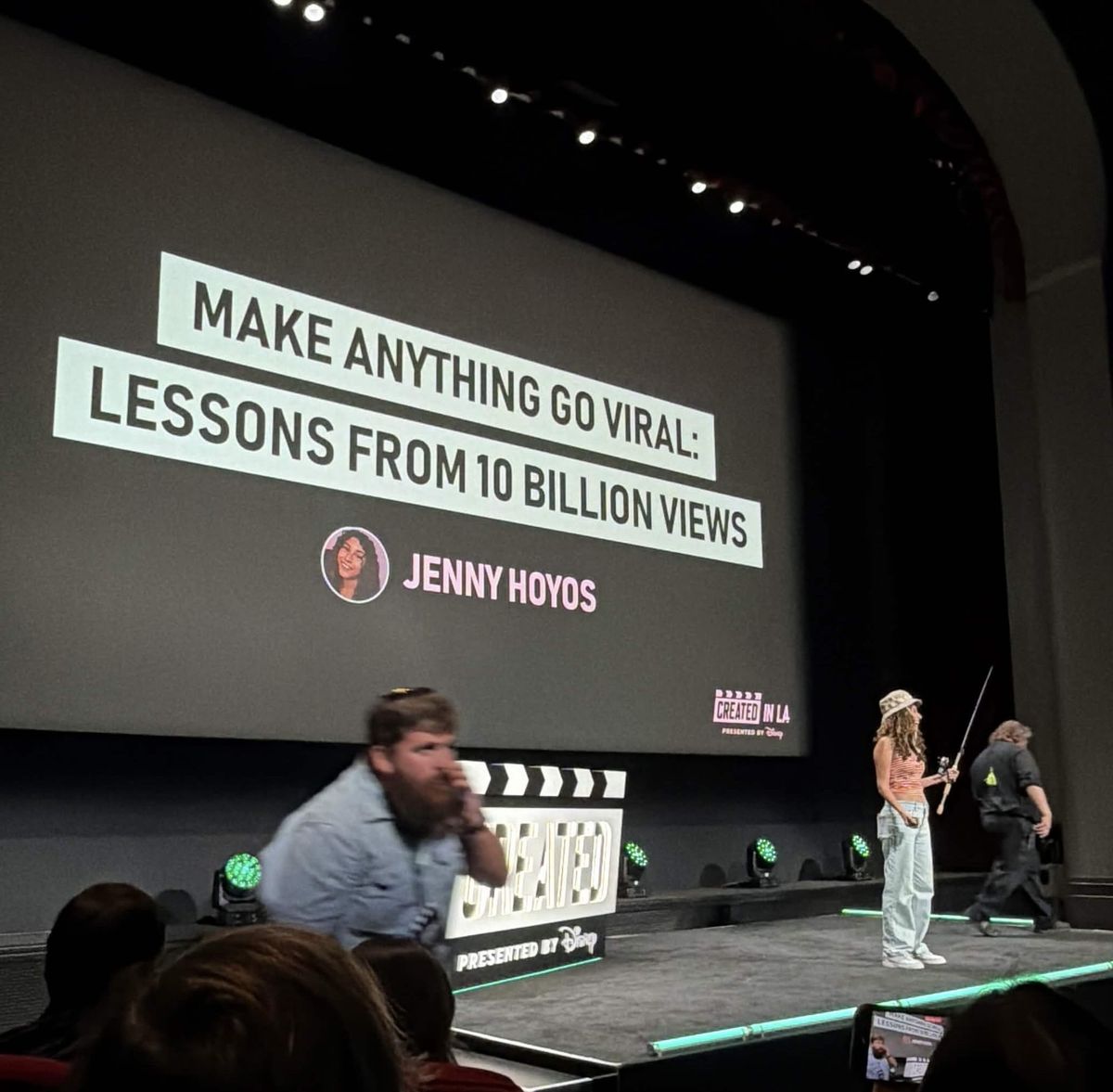
At Created in LA, creator Jenny Hoyos explained that a strong hook comes down to two things, a curiosity gap and an open loop, and she used a fishing analogy to show how you hook a viewer first and then reel them in for the rest of the video.
By the end of this post, you will know how to build a hook that earns the click, how to test it, and how to keep viewers watching all the way to the end.
Before I go any further, I want to be upfront. OpusClip is a partner of the Kan Do Creators Community, OpusClip is the reason I was able to attend Created in LA, and the OpusClip link in this post is an affiliate link that can earn KDCC a commission at no extra cost to you.
Turn your longform videos into short, shareable clips with smart cuts, captions, and formats for YouTube Shorts, Reels, or TikTok.
Try it free with no signup. Just drop in your video link or upload a file to see what it creates. The link below is an affiliate link.
Who Is Jenny Hoyos and What Did She Teach at Created in LA?
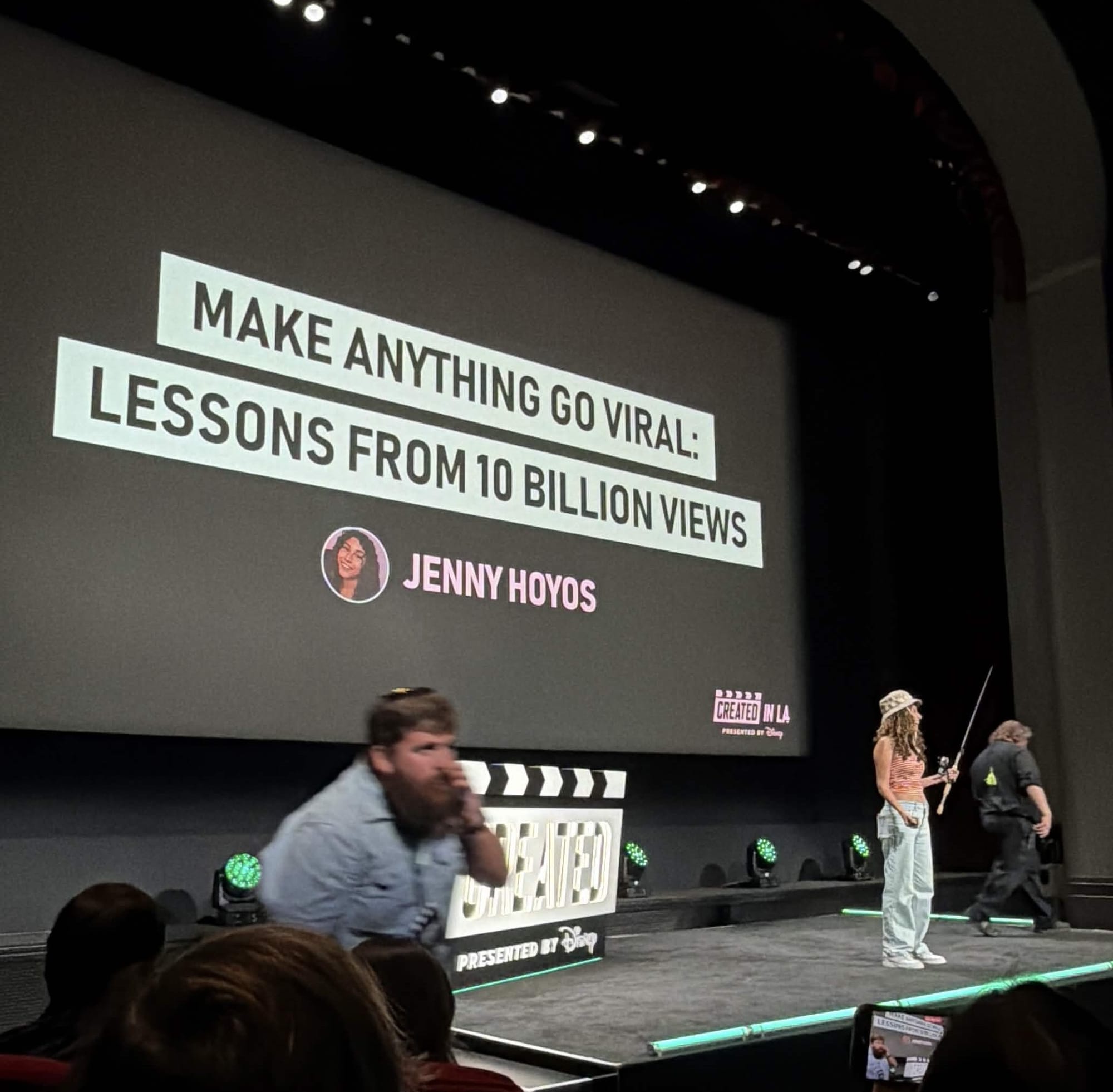
I have the opportunity to Attend Created in LA an event hosted by Jon Youshai and Disney. Thanks to one of our partners OpusClip. There, Jenny Hoyos talked about some of the most important things when it comes to any videos.
Created in LA was an amazing opportunity for YouTube and Disney to come together. In my creative and professional life I have had an admiration of both YouTube and Disney, and even had the chance to work for Disney. That's a story for another time though....
When you combine traditional story telling with creative energy you get events like created in LA. Jenny showed how she views it, and it was honestly so insightful.
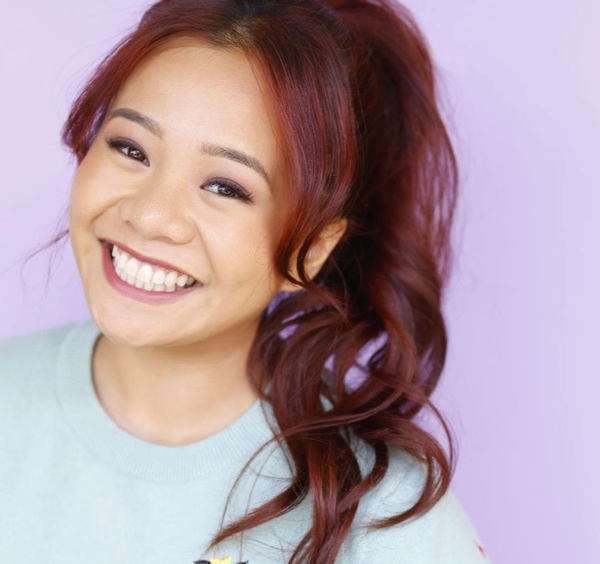
Jenny Hoyos is a content creator with 15M+ followers and 10B+ views who made a great presentation around a fishing analogy.
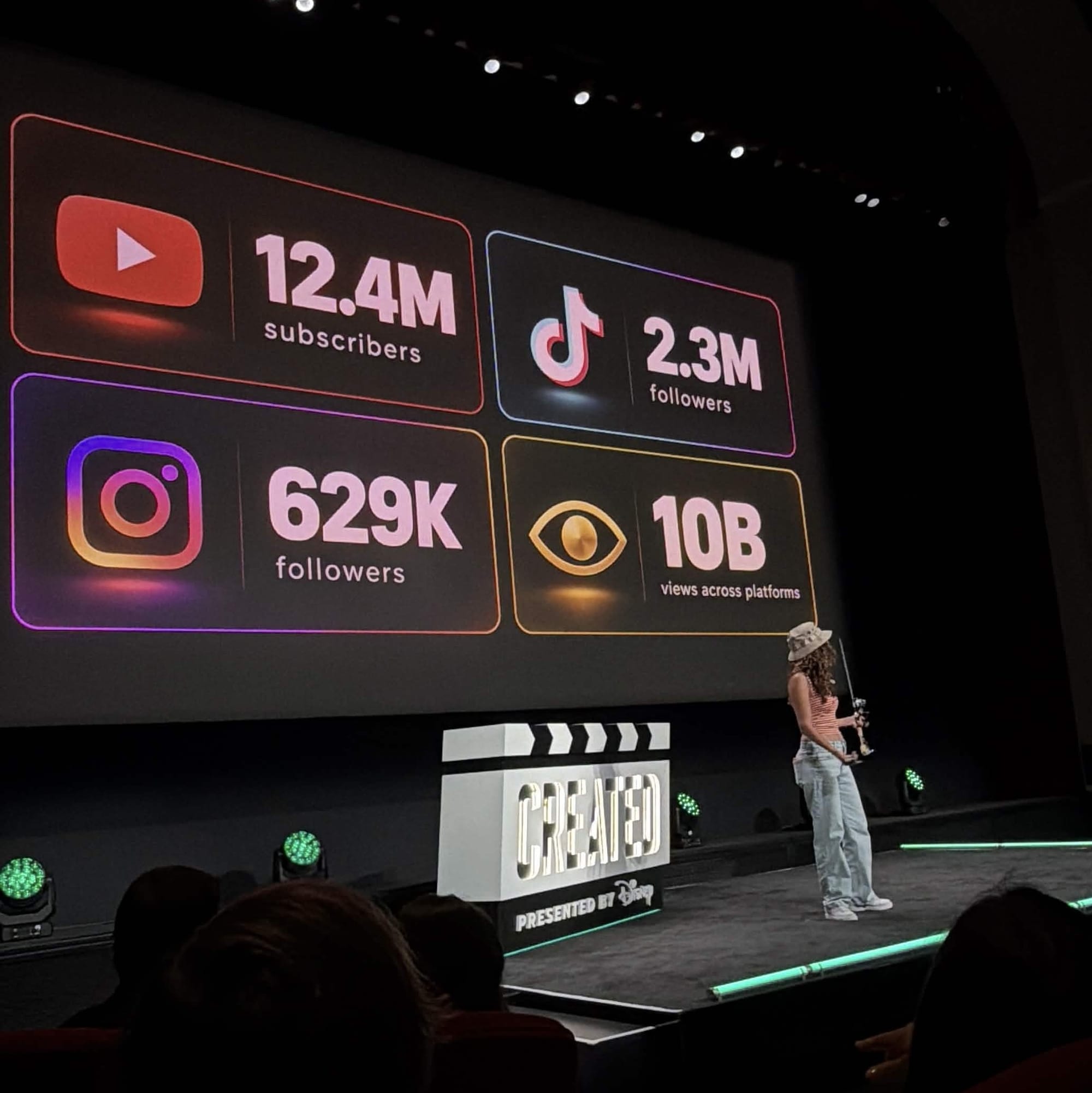
Her talk cover two core components: crafting a strong hook and using techniques to reel viewers in through the rest of the video.
Why Is the Hook the Most Important Part of Any Video?
You've probably heard this a million times, and it might sound obvious to you. But there are so many creators who's gatekeeping themselves because of their video's inability to hook viewers.
It's one thing to know that a hook is important; it's another to actually apply it.
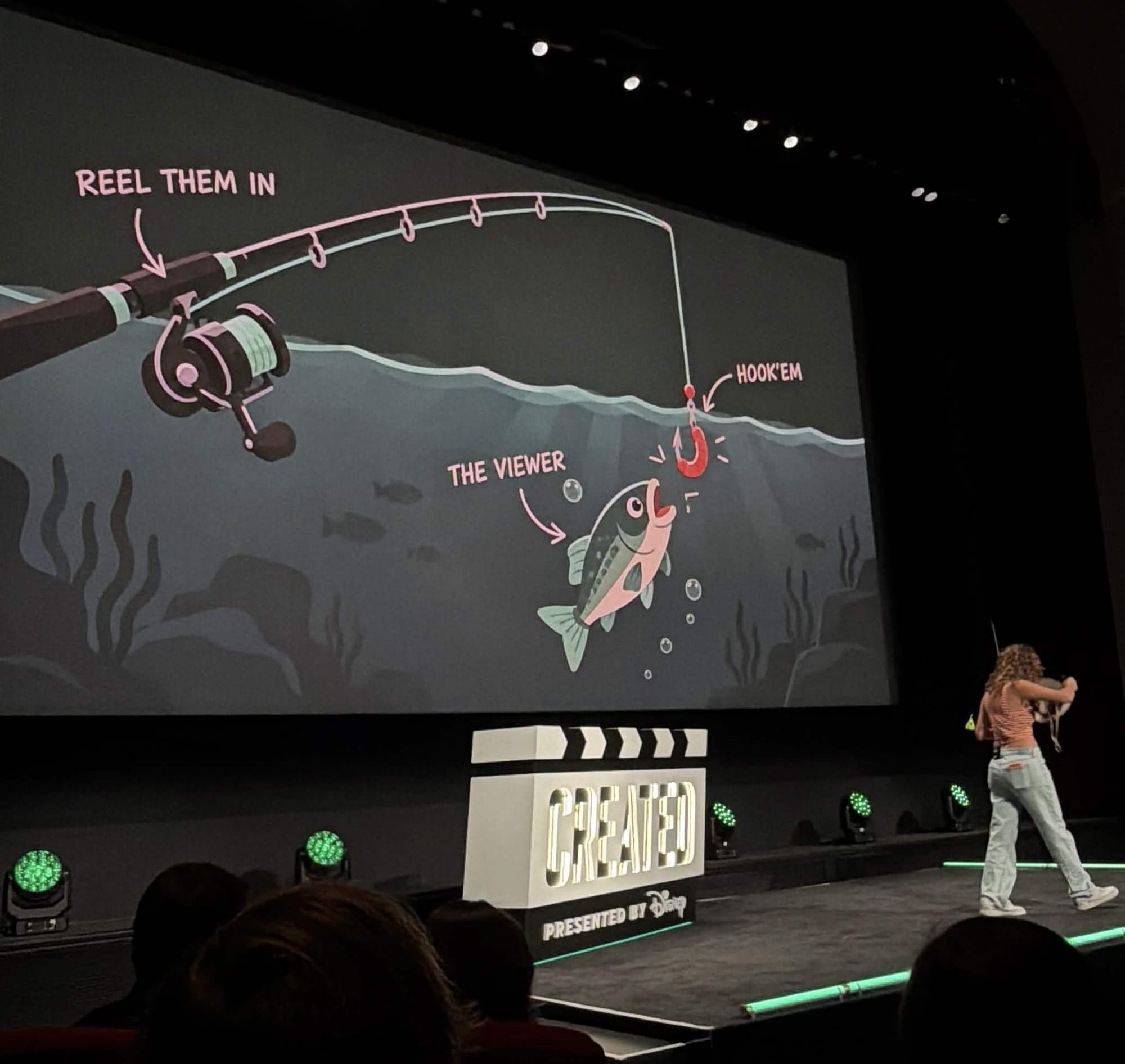
"You're probably spending like 99% of your time on the content itself. And we appreciate that, but in reality, if we're not hooked, we won't even see it. Which is why if you don't have a good hook, you shouldn't even make the video.
- Jenny Hoyos at Created in LA.
The gap between knowing and doing is where most videos lose, because a viewer decides whether to keep watching long before they reach the part you worked hardest on.
So what makes a good hook?
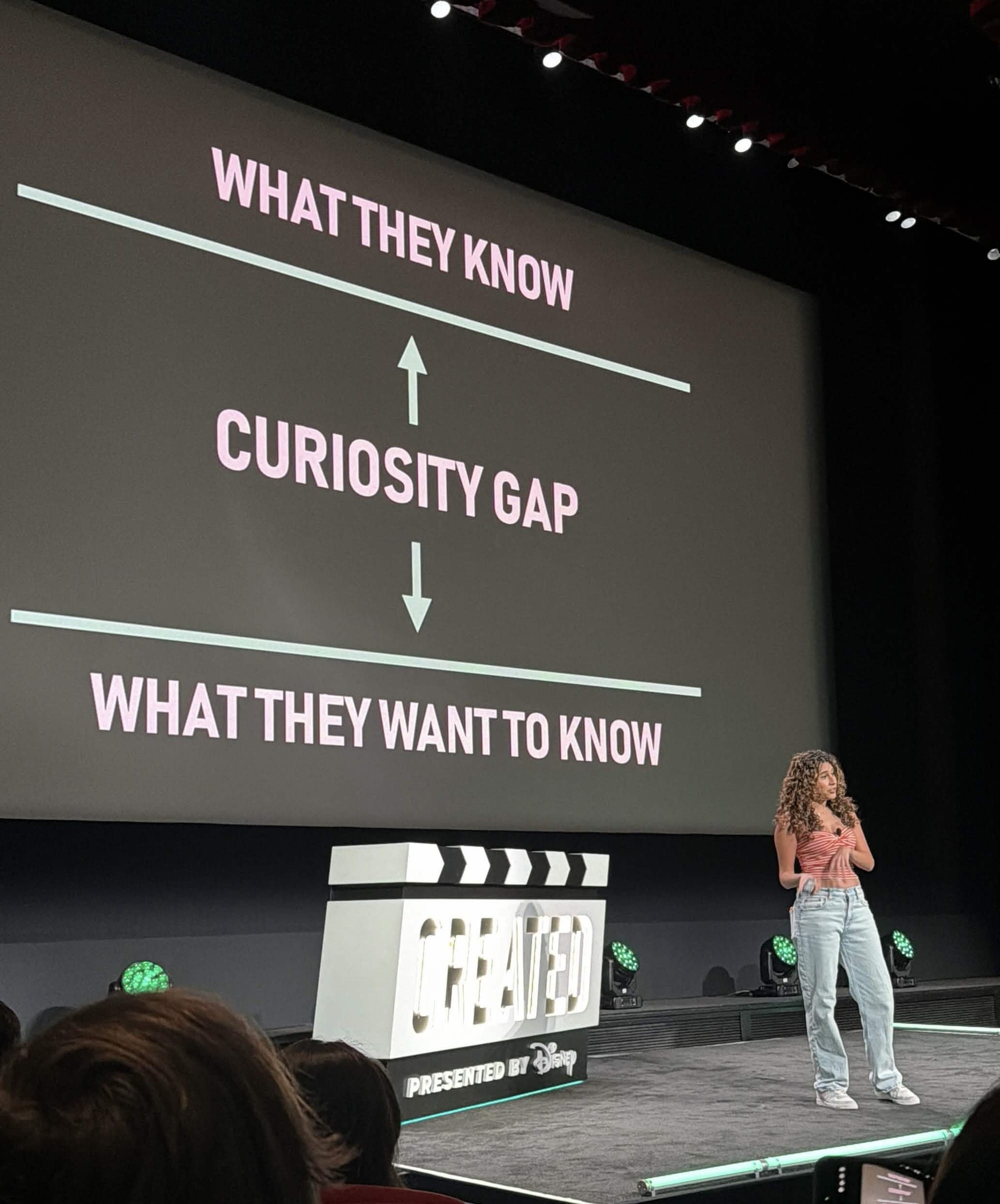
Jenny Hoyos breaks it down into 2 main things: The curiosity gap and an open loop.
What Is a Curiosity Gap in a Video Hook?
Everyone was expecting a normal presentation at the Created Keynote, but what they didn't expect was Jenny to come out in a fishing attire.
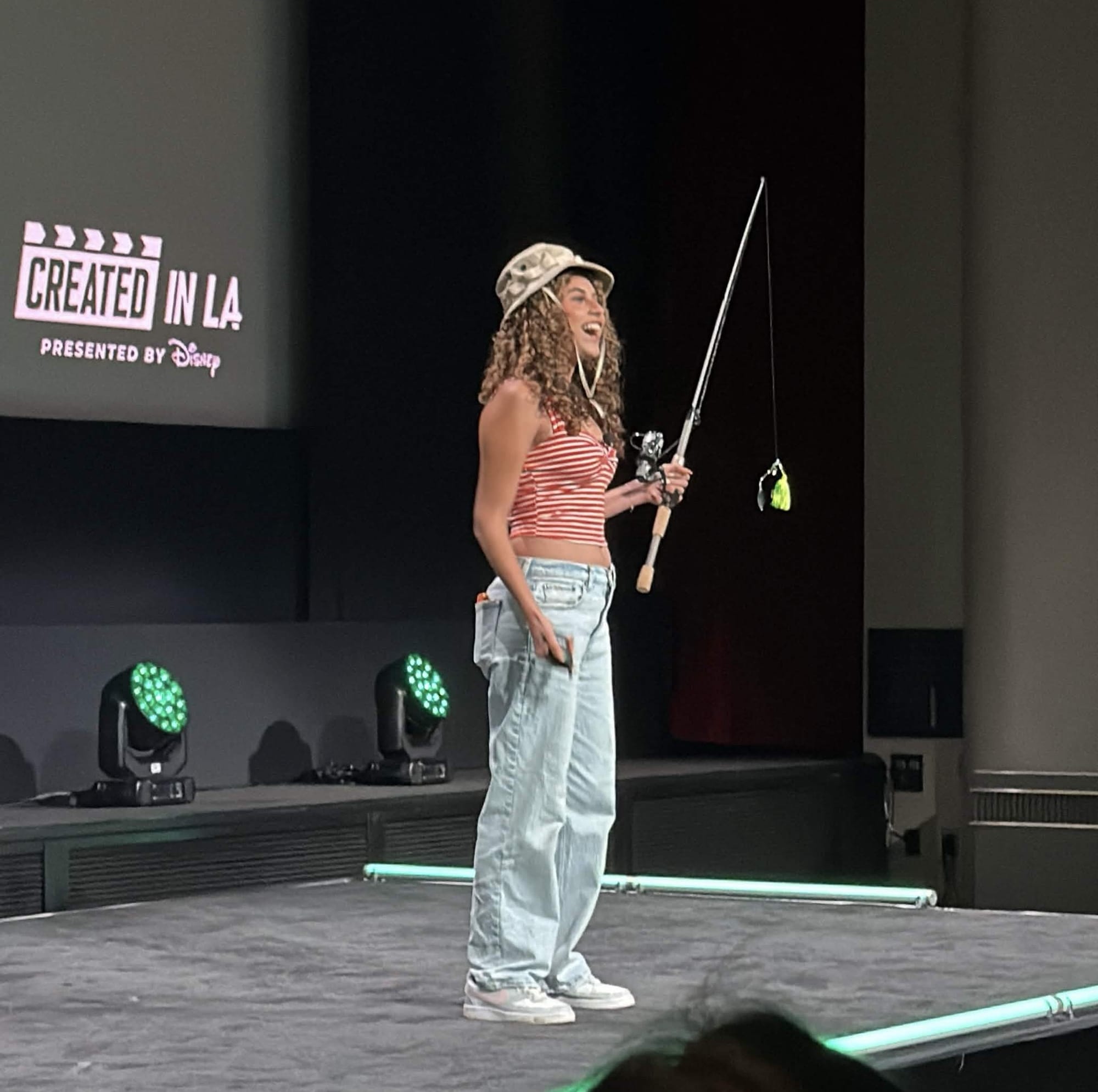
She compares the audience to fish. Different fish require different bait. You need to know what bait works with your audience.
If you're an educational creator, your viewers are probably used to seeing you at your desk or in front of a whiteboard/screen. For fitness creators, they're probably used to seeing you workout at a gym. And if you cook, you're most likely wearing an apron and you're cooking in the kitchen.
All of these makes sense.
Now let's include the unfamiliar. If you're an educational creator, your viewers probably imagine you at your desk, but not when your desk is outside. And if you're a fitness creator, you're probably at the gym, but you're probably not benching the actual bench. And if you're cooking, I don't think your viewers will anticipate you doing that in the car.
- Jenny Hoyos at Created in LA.
Jenny shares examples of her favorite hooks that she would say are scroll-stopping.
- A Short where she literally broke a hole in the wall
- One where she made an absurd amount of macaroni and cheese
- Another where she ate cake out of a soccer ball.
The takeaway for your own channel is to start with the setting your viewers already expect from you, and then change one thing about it that they would never expect.
What Is an Open Loop and Why Does It Make Viewers Click?
Once you've got the viewer to stop scrolling, you've got their attention.
Now here's a question: how many times have you seen a funny title and thumbnail, got a good chuckle, and then you don't click?
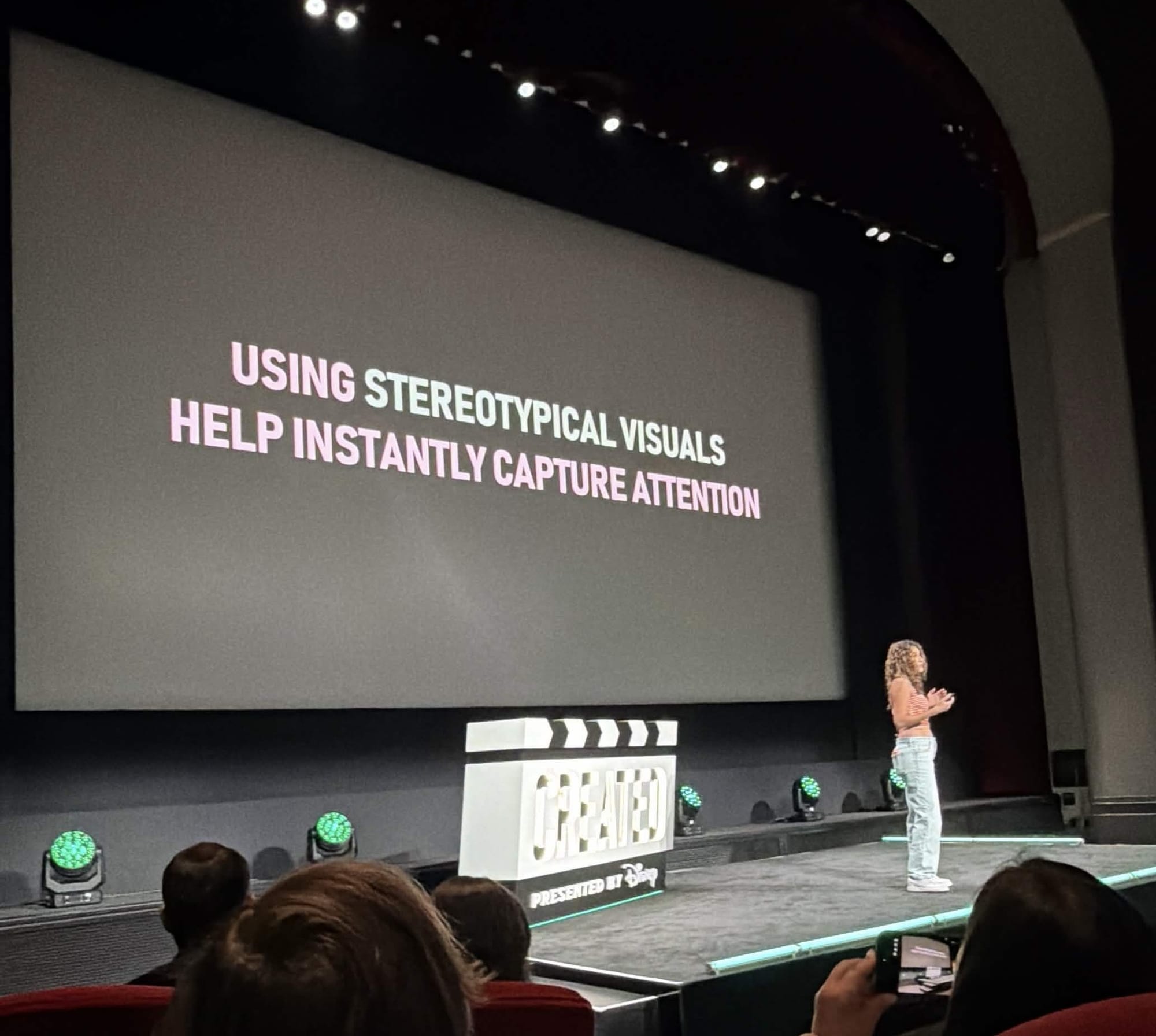
A lot of creators don't realize that their title and/or thumbnail have closed the loop. They've answered the question.
- An art video showing the end result of the drawing as the thumbnail or the beginning of the video gives the viewer no reason to click or watch to the end.
- A video with a title that asks "Can you do this?" while the thumbnail says "Yes/No" has closed the loop.
- A video with a thumbnail showing a full Reddit post and the viewer can read it, the viewer then don't really have to watch to know the story
An open loop stops the scroll AND compels the viewer to click by leaving a question unanswered.
Jenny Hoyos gives an example of a video she saw called "IShowSpeed's Third Grade Photo" and even though it caught her attention and stopped her scroll, she didn't need to click on it because the question's already been answered.
As she continues scrolling, she sees another video that has 5 times the views called "IShowSpeed Reacts to His Third Grade Photo." Now she's curious about what he's going to say or if he's going deny that the picture isn't him. She has to click to find out.
"An easy way to think about an open loop is to think about it as a question rather than just making a statement."
- Jenny Hoyos at Created in LA.
Before you publish, read your title and thumbnail together and ask whether a viewer could guess the ending without clicking, because if they can, the loop is already closed.
Test Your Hooks
The same way you would A/B test your thumbnails and title, record multiple hooks for the same video. It requires only 1% more effort, but can double results.
Jenny Hoyos filmed two hooks for the same video where she said it as a question and another version where she said it as a statement.
Which is more compelling?
- Can I eat this foot-long sub in six bites?
- I'm eating this foot-long sub in six bites.
She posted both videos on Instagram Reels and after an hour, she sees that the question hook is already performing twice as much. With this data, Jenny takes that version and post it on all platforms.
"If you take away one thing from this presentation, I think that trial reels are super underrated. And if you are not recording a bunch of different hooks, then you're missing out."
- Jenny Hoyos at Created in LA.
The Faster the Hook, the Better
Get to the question immediately without separating the hook from the action.
In Jenny's example, she asks, "Is it faster to go inside or the drive-thru?" and immediately it shows Jenny inside ordering while her mom is in leaving in the car. It got straight to the point.
She didn't say the hook and then start the challenge. She started the challenge as she was saying the hook.
"We set the expectation to the viewer that I'm not going to waste your time."
- Jenny Hoyos at Created in LA.
Now That They're Hooked, Time To Reel Viewers In
Just like a fisherman is motivated by the line getting shorter, the viewer is the same way.
"If we see that there is actual progression, if we're on the line and the line's getting shorter, this visual progression makes the perceived wait time of the video feel shorter."
- Jenny Hoyos at Created in LA.
There are two ways to reel in viewers:
- A list goal
- A timer
Common list goals are how to do something in 3 steps, 3 reasons to do something, and the top 3 categories. This doesn't just apply to educational content, but can also be applied to entertainment content.
An example of visual progression would be a simple text on the screen. If you're doing a challenge, you can show the attempt number you're at and how many attempts it takes for it to be completed. That way the viewers know that you're going to be able to complete the challenge.
Another way is to have a visual segments on top of your screen showcasing how many segments are left and exactly what's coming up.
You can also show a timer; pretty straightforward.
"I'm making a cookie in one minute and the viewer is able to follow along on how close we are to being done with the video because they see that the time is going down and how much time is left."
- Jenny Hoyos at Created in LA.
A list goal and a timer work for the same reason, which is that the viewer can always see how close they are to the payoff.
What Should You Do Right Now?
Pick your next video and film at least two hooks for it, one phrased as a question and one phrased as a statement, and post the stronger one everywhere once the numbers come in.
Check your title and thumbnail for a closed loop before you publish, and add a list goal or a timer on screen so viewers can see the line getting shorter.
If terms like curiosity gap or retention still feel fuzzy, the KDCC YouTube Glossary explains them in plain language, and the KDCC newsletter is where I share breakdowns like this one from events like Created in LA.
Let me know in the comments which hook style wins for you, because I am curious.
Get monthly channel reviews and weekly live group coaching from Andrew Kan and Ike Do. First 7 days are free, cancel anytime.
Note: Bolded paragraphs are written by Andrew Kan.