YouTube's New "Get Feedback" Tool for Shorts: What It Does and Who Has Access
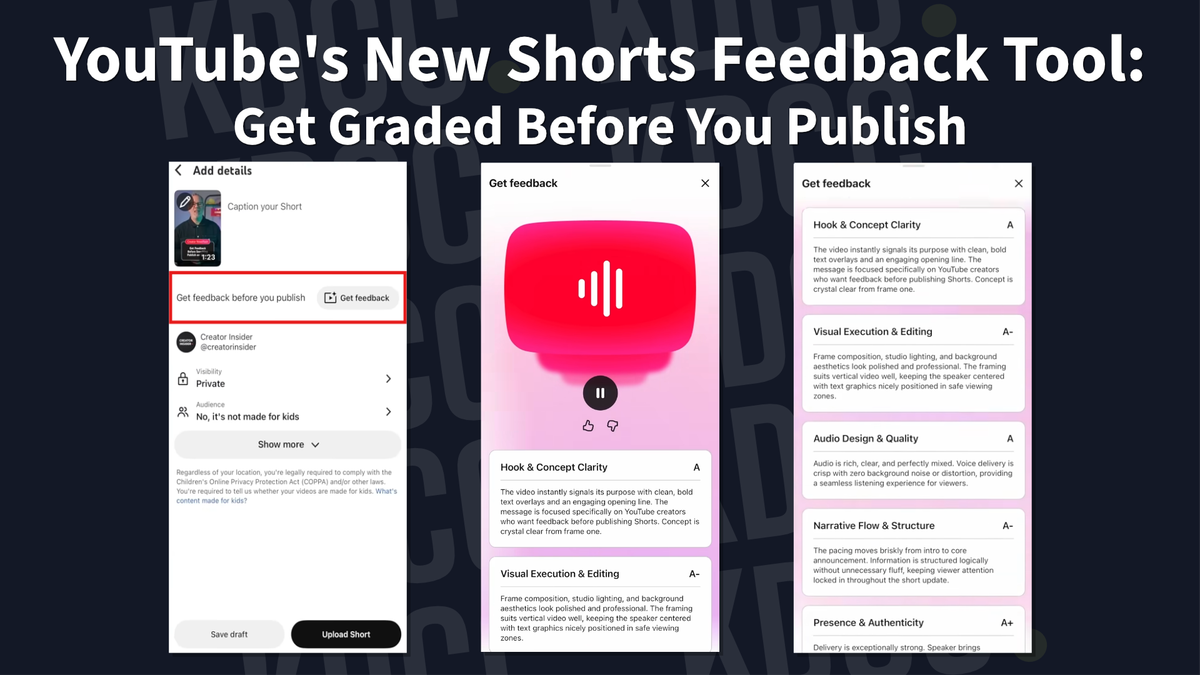
YouTube's new "Get feedback" button gives Shorts creators AI insights on hook, pacing, and visuals before they publish, instead of after.
When you feel like you've hit a wall, getting feedback is one of the most important thing you can do as a creator. Looking at your video, your channel, your analytics, through your eyes can make it difficult for you to remove your biases.
However, sometimes, asking for advice can take a while. People might not see your Short yet, and you're kept waiting and waiting.
Did the hook land? Was the pacing off? You won't know until someone gives you advice or the views (or lack of them) tell you.
YouTube just gave creators a way to skip some of that guesswork and waiting.
What the feature actually does
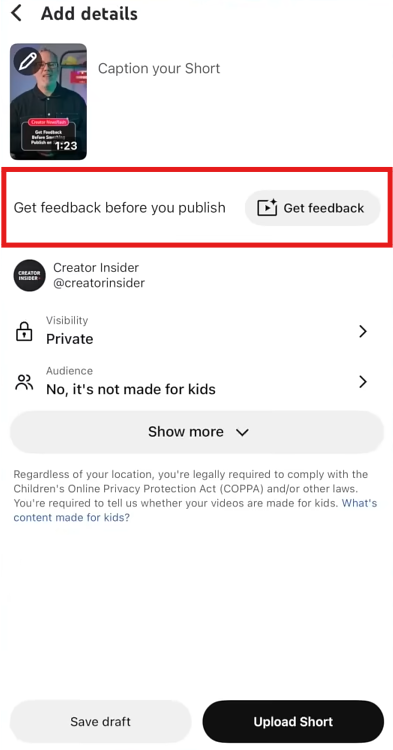
There's a new "Get feedback" button showing up in the Shorts upload flow. Before you publish, you can tap it and get tailored insights on your video without waiting for the audience to weigh in.
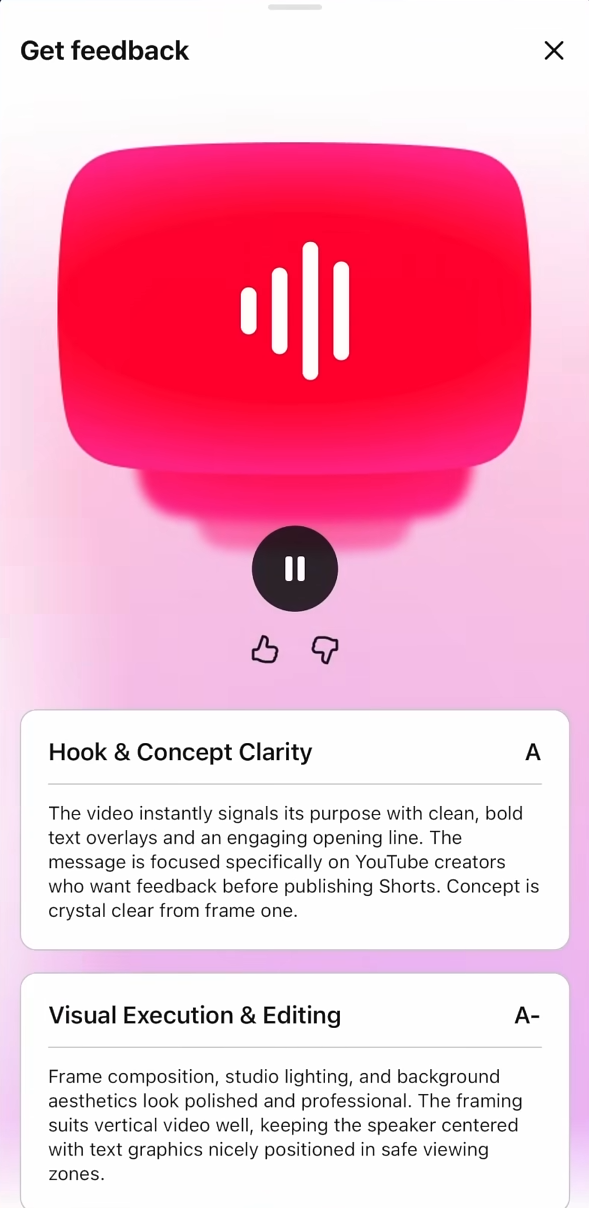
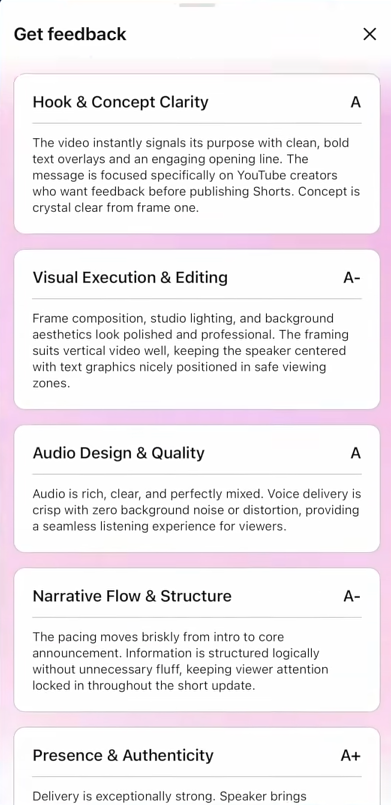
According to YouTube's own rollout video, the feedback covers:
- The strength of the hook (does it grab attention fast enough?)
- The pacing (is it dragging or rushing?)
- The visual (does it hold up on screen?)
This is designed to give you feedback and for you to decide whether you should make the change or not. The tool will not edit or change the Shorts for you.
It just points at what could be stronger, based on best practices YouTube has seen work across the platform.
You're still in the driver's seat.
The feedback given is entirely optional. You don't even have to get the feedback unless you click on the "Get feedback" button.
- You can skip getting the feedback entirely if you'd rather trust your gut.
- Use it and ignore it if the suggestions don't fit your style.
- Use it and act on it if something resonates.
YouTube's framing is clear. Every creator, channel, and audience is different, so there's no one-size-fits-all checklist being enforced here. If you agree with what the tool flags, you go back, tweak, and republish before it ever goes live.
Who can access it right now
Not everyone has this yet. The rollout is currently limited to:
- Creators in the US
- Creators who are 18+
- Creators using the main YouTube app on Android or iPhone
To find it, go through your normal Shorts upload process (on the main YouTube mobile app) and look for the "Get feedback" button in the details screen, right before you publish.
YouTube is rolling this out to more creators, so if you don't see it yet (and you're part of the eligible creators), just wait.
Where this could go next
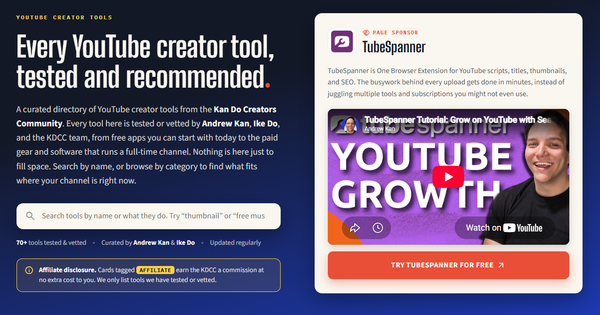
Similar tools like this already exist as third-party browser extensions, such as TubeSpanner (affiliate link), offering channel reviews.
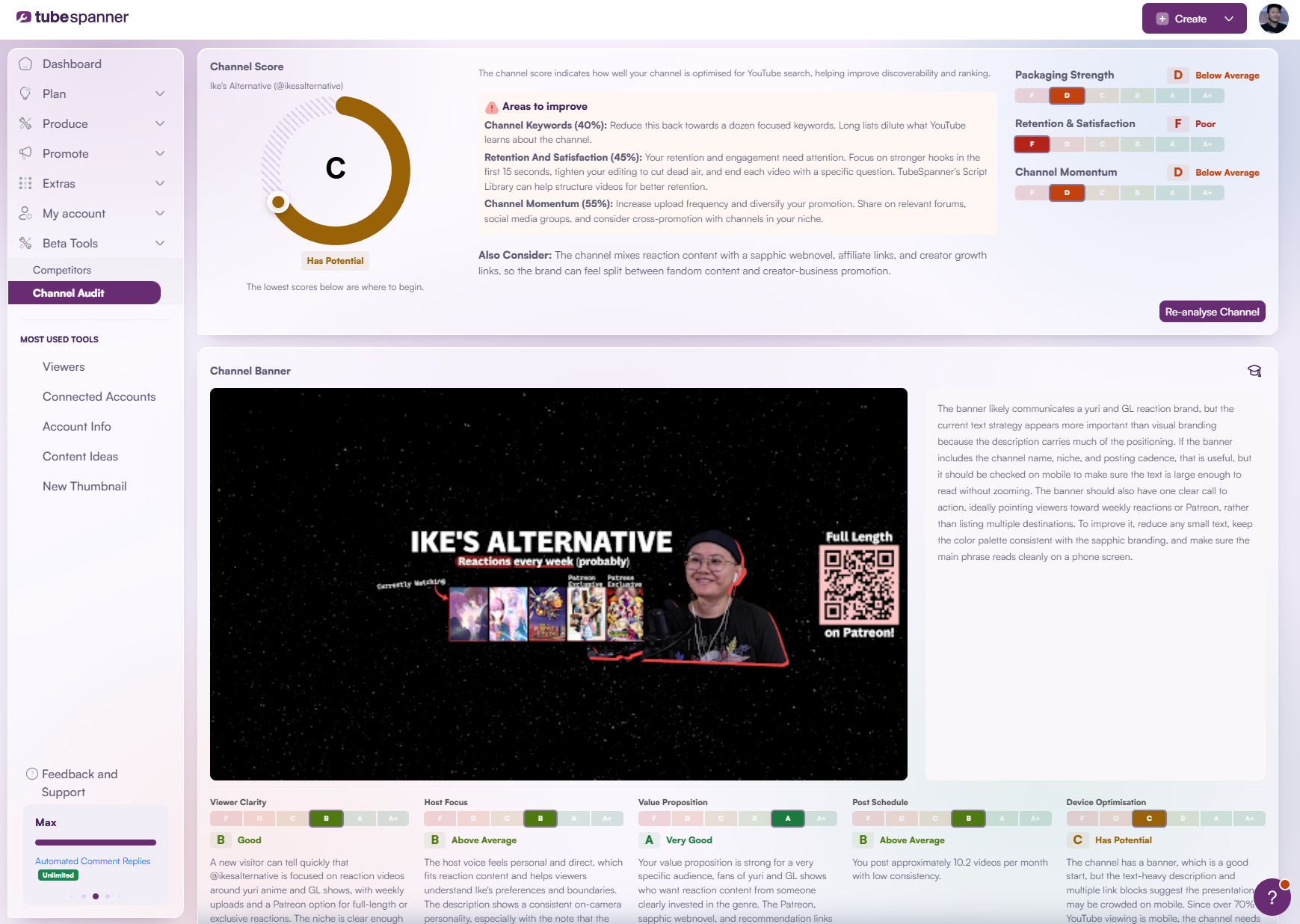
However, YouTube takes this up a notch by actually reviewing your Short.
This raises some questions: will this eventually make its way to long-form? Or will YouTube only keep it for Shorts? Or will YouTube scrap this feature later on?
If creators find real value in pre-publish feedback on a Short, it's not a stretch to imagine the same logic applied to a 20 minute upload.
For now, if you're in the eligible group, it's worth a check. Try it on your next Short and see if it tells you anything you didn't already know.
Have you gotten feedback from YouTube yet? Drop what it told you in the Discord, we're curious if it's actually catching anything useful.
Get monthly channel reviews and weekly live group coaching from Andrew Kan and Ike Do. First 7 days are free, cancel anytime.