YouTube Updates That Actually Affect Your Channel
🧪 YouTube's new test: "Discover videos with Previews."
YouTube will provide you with 5 - 10 previews of short, engaging moments from videos that are already recommended for you.
You can then choose to watch the full video, add to your watch later list, etc.
This experiment is currently available for Android users, but YouTube plans to expand.
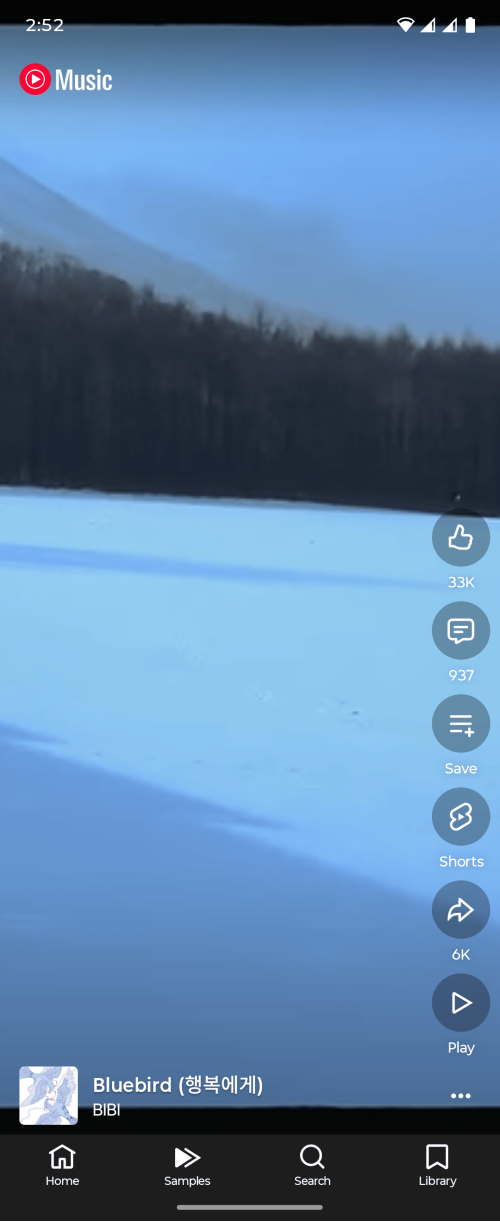
It feels similar to the "Samples" tab in the YouTube Music app, which essentially is like a shorts feed for music. You can listen to 30 seconds of a song and choose to either continue scrolling or listen to the full song.
If you video is a part of the preview, we wonder how that will affect your analytics. Consider that the previews are short, it might have a "shorts-like" effect on your video where you'll get bigger spikes on certain moments because people are seeing it in their preview.
We'll just have to see as YouTube pushes this test to more people.
Source: https://support.google.com/youtube/thread/18138167?hl=en&msgid=418393148
💸 YouTube combines BrandConnect and Creator Partnerships Hub into one as YouTube Creator Partnerships.
It's that time for YouTube to move their features around, or in this case, combine two features together.
This also comes with new features such as:
- Improved brand deal for Creators
- Sharing channel insights
- Collaboration features built-in
- New onboarding flow
If you're in the YouTube Partner Program, you might get a pop-up notification that asks if you want to share your channel insights.
This will allow brands, advertisers, and third-party platform see your channel and audience insights. The idea is that it should make you more discoverable to the right brand.
According to YouTube, creators who share channel insights saw a 2x higher click or interaction rate on their profiles within Google's creator search tools, compared to those who didn't share.
Source: https://support.google.com/youtube/thread/418364662/introducing-youtube-creator-partnerships-a-unified-place-for-brand-deals-on-youtube
💰 YouTube makes an update to Channel Membership pricing flexibility.
When you create a Membership tier, you has to review and verify before your tier is made public. However, once YouTube approves, you can't modify your pricing without deleting and creating a whole new tier.
"Creators will also gain the ability to modify their prices for new prices without disrupting or deleting existing levels. Existing members will keep their current membership prices at this time." — YouTube
This update is still rolling out, so you might not see the change yet. It's a great change, though!
Sometimes, a change in pricing is necessary as you add more perks. The fact that existing members won't have their price raised is a great way to deal with legacy members.
But YouTube does say "at this time," which means there's the chance you can choose to raise the prices of legacy members or YouTube will simply do it for you.
Source: https://support.google.com/youtube/answer/10008196
❤️ YouTube now suggests what comments you should heart.
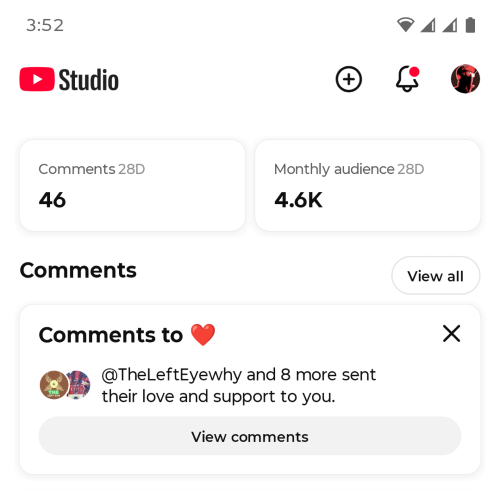
YouTube's latest feature on their Studio mobile app identifies comments that are "heart-worthy."
You'll see this option in your Community tab. Click on "View comments" and you'll see the suggested comments for you to heart.
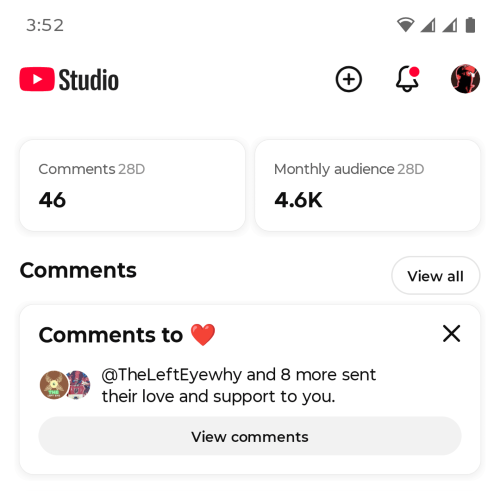
Here, you can individually heart the ones you like or click "Add hearts to all."
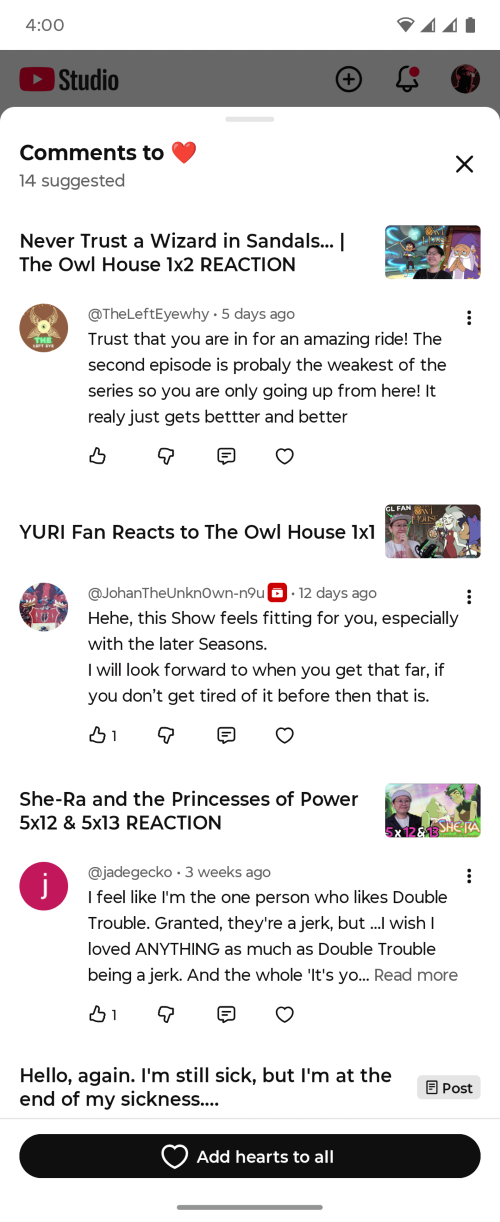
We presume YouTube uses AI to find these "heart-worthy" comments, but the idea that you can just click a button to heart all comments without reading is a big NO.
The idea of community is you actually participating in it, and this feature takes away that aspect.
Source: https://support.google.com/youtube/answer/16971153
📝 Channel guidelines is now available globally!
You can now create up to 3 channel guidelines to set the tone of your community. These guidelines will appear to viewers across comments, live chat, and Community posts.
Although YouTube says globally, they don't really mention if it's mobile only or if it's now available on PC.
If you notice it on PC, let us know by replying to this email!
Source: https://support.google.com/youtube/answer/9072033
Learn how to set up your channel guidelines with Andrew Kan!