YouTube Analytics Explained: What Your Data Is Actually Telling You

Stop guessing. Start growing. Here's how to read the signals YouTube is already sending you.
Most creators treat YouTube Analytics like a confusing dark cave. They peek inside, see numbers everywhere, and quickly retreat to posting more content hoping something sticks.
But here's the truth: YouTube Analytics isn't a cave. It's your channel's report card. And you should be checking it every single day.
After over a decade on YouTube and five years helping grow TubeBuddy's channel from 6,000 to over 500,000 subscribers, I've learned that every metric in your analytics is a signal. The question isn't whether YouTube is giving you feedback. The question is whether you're actually listening.
Why 28 Days? The First Thing You Need to Understand
When you open YouTube Analytics, you'll notice it defaults to showing the last 28 days. This isn't random. Every month has at least 28 days. It creates a consistent baseline for comparison, regardless of whether you're looking at February or July.
I recommend looking at your data in three windows: the first 7 days (for immediate feedback), 28 days (for your monthly pulse), and 90 days (for trend identification). Each timeframe tells a different story about your channel's health.
The Metric Most Creators Misunderstand
There's a little section in your Audience tab that shows "Typical Views" for your content. This might be the most underrated metric in all of YouTube Analytics.
Here's why it matters: creators constantly compare themselves to viral videos or other channels. They post something and feel disappointed when it doesn't "perform." But your Typical Views metric shows you what YOU should realistically expect based on YOUR channel's history.
It breaks down by content type too. You can see your typical views for regular videos, Shorts, and livestreams separately. This is your channel's honest baseline, not some aspirational number from a channel with ten times your subscribers.
New Viewers vs. Regular Viewers: A Critical Distinction
YouTube has started separating your audience into three categories, and understanding this can transform how you think about content strategy.
New Viewers watched your channel for the first time. Ideally, this number should be higher than the other two categories because you're always trying to expand your reach.
Casual Viewers have watched your content for at least five months. They know who you are but aren't showing up consistently.
Regular Viewers are your core audience. They come back repeatedly.
Here's the insight most creators miss: the content that attracts new viewers is often different from what keeps regular viewers engaged. YouTube shows you which videos perform best for each audience type. Study that. Your "gateway" content and your "core" content might be completely different topics.
The Retention Graph Tells You Everything
If there's one place in YouTube Analytics that deserves your obsessive attention, it's the audience retention graph. But most creators only look at the basic version.
Click "See More" on any video, then go to Chart Options and select "Audience Retention Compared to Other Videos." This shows you where your video performs above average, average, or below average compared to similar length content across YouTube.
Spikes in this graph? Those are moments you should study. They might make excellent Shorts. Dips? Those reveal where you're losing people. Understanding the WHY behind each spike and dip is how you improve as a creator.
The Subscription Bell Reality Check
There's a newer metric that shows what percentage of your subscribers have turned on all notifications. The typical range across YouTube is 10 to 30 percent.
If you're an older channel and this number seems low, don't panic. The "turn on all notifications" feature didn't always exist. Channels that started before this feature naturally have lower percentages. Newer channels often have higher percentages simply because the feature existed from day one.
This is why I sometimes advise creators who want to pivot dramatically to consider starting fresh. New channels have access to features that older channels don't benefit from retroactively.
Device Type: More Important Than You Think
Check where your audience watches. If you're creating content optimized for mobile but 40% of your viewers are on desktop, you might be making design decisions that hurt your performance.
Livestreams often have higher TV viewership than regular videos. Shorts barely register on TV at all. Understanding these patterns helps you optimize thumbnails, text size, and pacing for the devices your actual audience uses.
Community vs. Audience: The Growth Trap
Here's something that took me years to fully understand: your community and your audience are not the same thing.
Your community consists of people who have already said yes to you. They show up. They return. They comment on your livestreams.
Your audience is everyone you're trying to reach who hasn't joined that community yet.
If you only create content for your existing community, you stop growing. If you only create content for new audiences, you lose the people who already love you. The best creators find ways to serve both without neglecting either.
The Live Stream Replay Myth
I hear it constantly: "Live streams don't grow channels."
This isn't true, but I understand why people believe it. Most livestreams ARE designed for the live audience with no consideration for replay value.
When I compared my tutorial livestreams to my community focused livestreams using YouTube's grouping feature, the difference was stark. Tutorial streams had significantly more replay value. Community streams are great for the people watching live, but they rarely attract new viewers after the fact.
If you want your livestreams to contribute to growth, design them with the replay viewer in mind. Include structure, deliver clear value, and create something worth watching even if someone missed it live.
The Daily Habit That Changes Everything
Check your analytics every single day. Not to obsess over view counts, but to understand signals.
What's performing better than expected? What's underperforming? Where are viewers dropping off? Which content types are resonating with which audience segments?
YouTube is constantly telling you what your audience wants. The creators who grow are the ones who listen.
Go Deeper: Watch the Full Tutorial
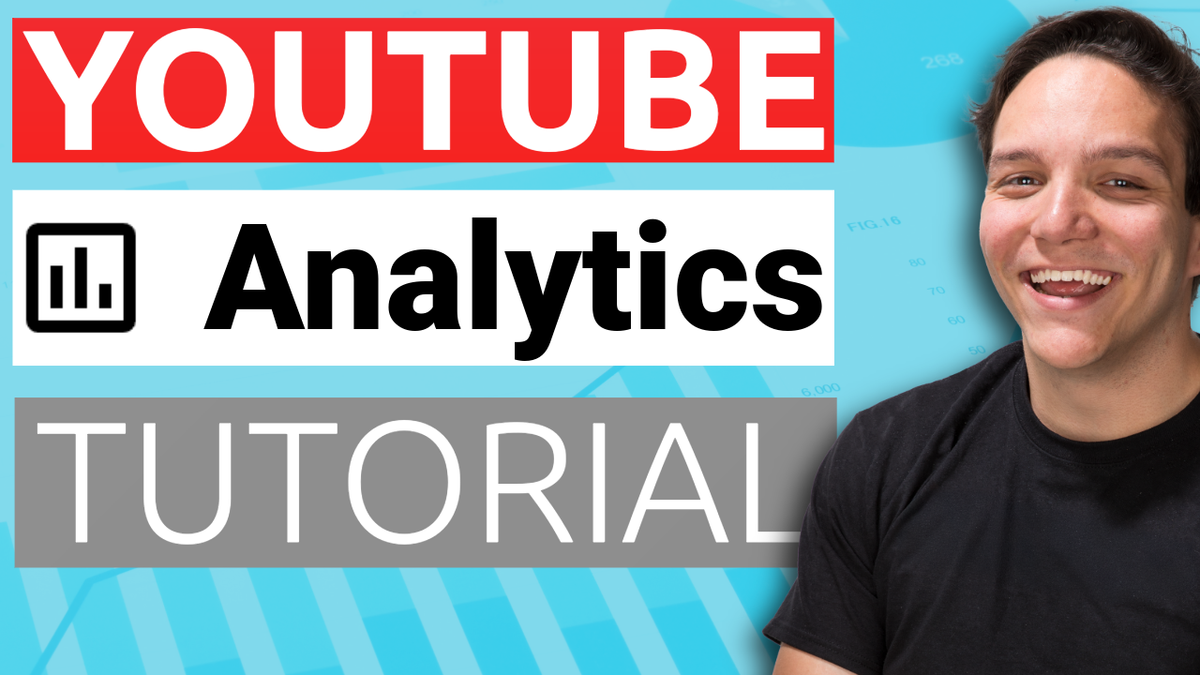
This article covers the fundamentals, but there's so much more to explore. I recently did a comprehensive livestream walking through every tab, every metric, and every hidden feature in YouTube Analytics, including Advanced Mode comparisons that most creators never discover.
If you want to see exactly how to navigate these reports, understand retention graphs in real time, and learn strategies I use for the channels I've helped grow, watch the full tutorial.
Watch: YouTube Analytics Explained: What Your Data Is Telling You
And if you want a quick reference guide for analytics terminology, I've created a free YouTube Glossary that explains all the terms you'll encounter. No email required. Just grab it from the video description.