YouTube Is Finally Bringing Custom Shorts Thumbnails Back to Desktop
YouTube is rolling out custom thumbnails for Shorts on desktop again. Here is how to check if you have access and how to make your Shorts thumbnails now.
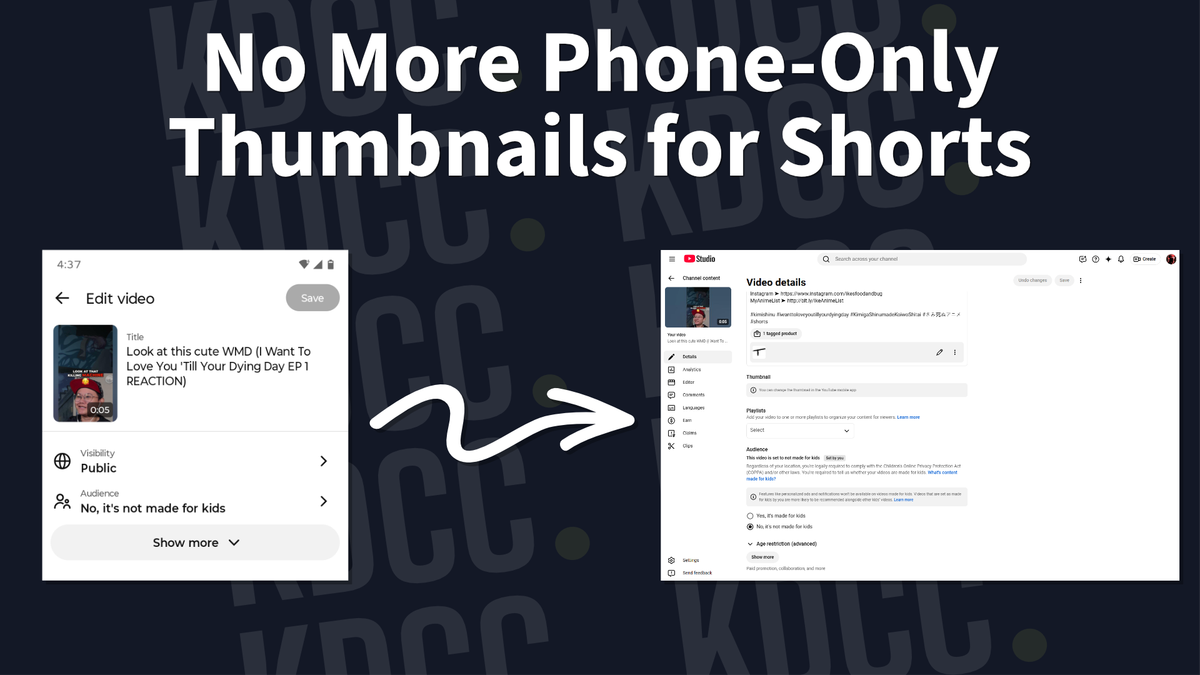
When Shorts first came to YouTube, creators had the option to set custom thumbnails on their desktop. But then YouTube decided to remove it since they figured custom thumbnails weren't needed since the majority of views would be from the Shorts Feed.
Ever since, creators have complained and pleaded with YouTube to bring custom thumbnails back... and they did.
However, you can only change it in the YouTube mobile app, which is not the same as the YouTube Studio app.

How to access vertical custom thumbnails.
BREAKING UPDATE: YouTube seem to be rolling out vertical custom thumbnails of desktop for Shorts. pic.twitter.com/iRSJpM4PSq
— DougHewsonYT (@DougHewsonYT) July 20, 2026
Big thanks to Doug Hewson for the screenshot of the vertical custom thumbnails.
YouTube is rolling out custom thumbnails for Shorts, but have yet to make an official announcement (as of the release of this blog).
To check if you have custom thumbnail for Shorts, head to your YouTube Studio. Click on Content, then the Shorts tab, and finally click on edit on one of your Shorts.
Scroll down to Thumbnail and you should see whether you have the option to upload a file or not.
If you don't see it, be patient and wait as YouTube rolls it out to more users. But if you've got access, use it. Published beats perfect, but a custom thumbnail doesn't hurt.
Why is YouTube giving creators the option to upload custom thumbnails for Shorts on Desktop again?
The majority of Shorts views came from the Shorts Feed, where viewers scroll through a copious amount of Shorts. The focus within the Feed is to grab the viewer's attention within three seconds and stop them from scrolling. There was no need for custom thumbnails because the viewers in the Feed wouldn't see it anyway.
That was how Shorts worked in the beginning.
Now, there are so much more surface area for Shorts to show up, such as Search and Browse.
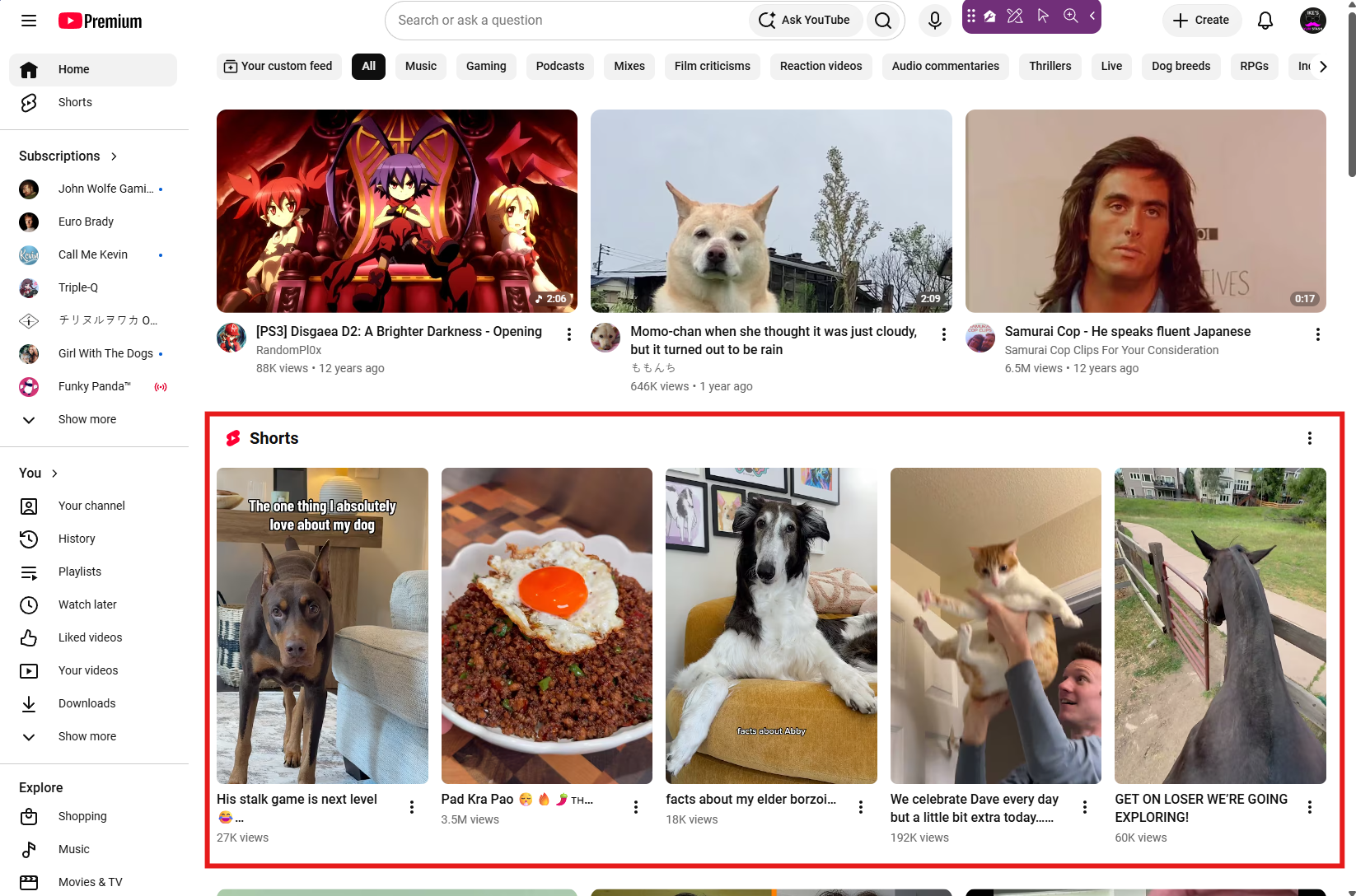
Unlike the Feed, Search and Browse require viewers to click on your video before actually watching it. Which means, thumbnails are once again important for Shorts.
Want to get ahead? TubeSpanner's got you!
The moment Danielle, CEO of TubeSpanner, caught wind of this update, she worked through the night to bring you the Thumbnail Editor for Shorts as well as multiple templates to choose from.
You can access this by heading over to the TubeSpanner Dashboard.
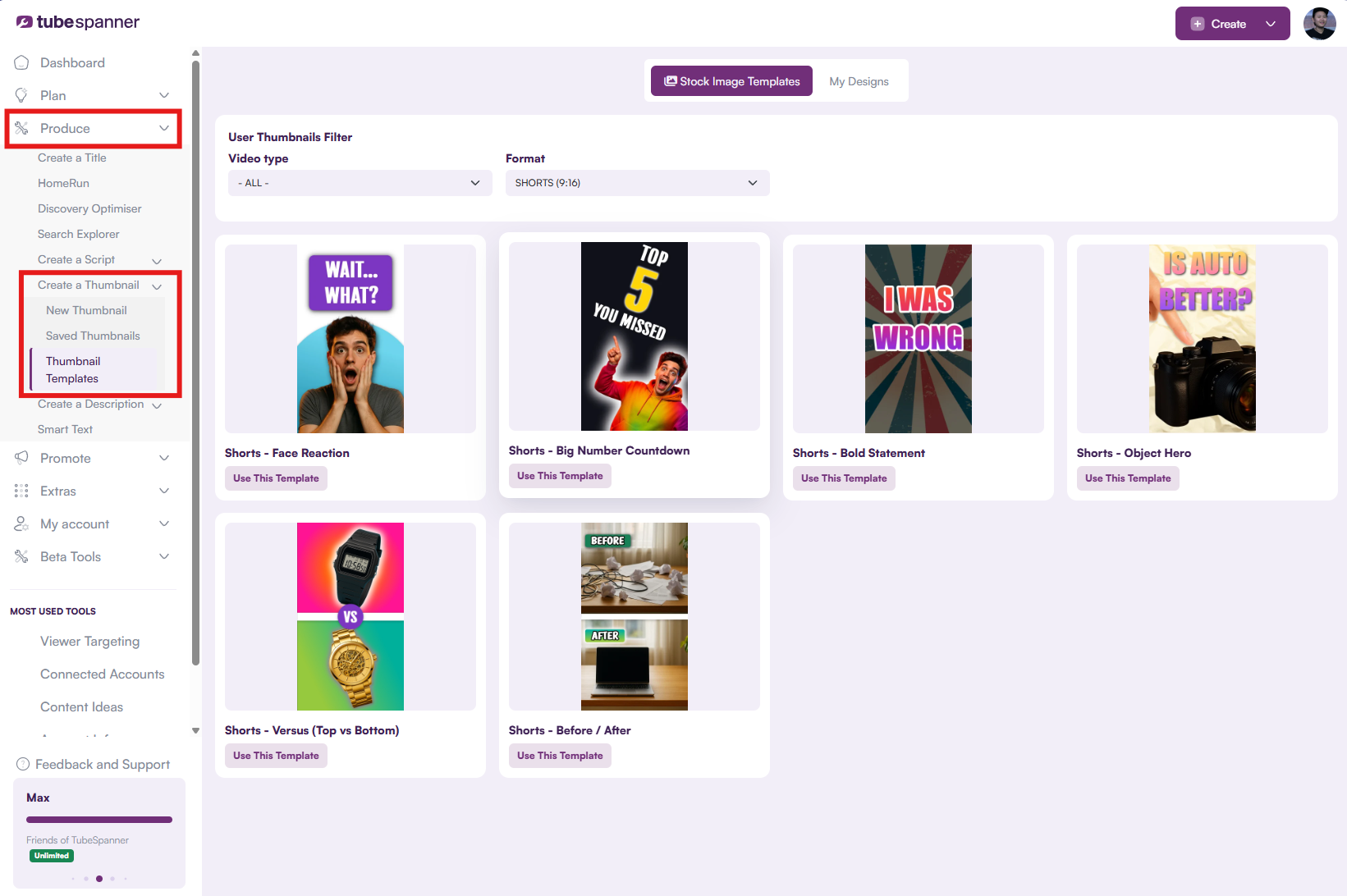
Don't wait around until you get access to the custom Shorts thumbnail on desktop. Start making your thumbnails for Shorts now with TubeSpanner so that you can easily upload it once you have it.
Note: The button above is an affiliate link to TubeSpanner.