The Free YouTube Creator Resources Every Channel Should Bookmark
You don't need a big budget to make great YouTube videos, just the right tools. We rounded up 70+ free resources for editing, thumbnails, music, community building, and more, all tested by the KDCC team.
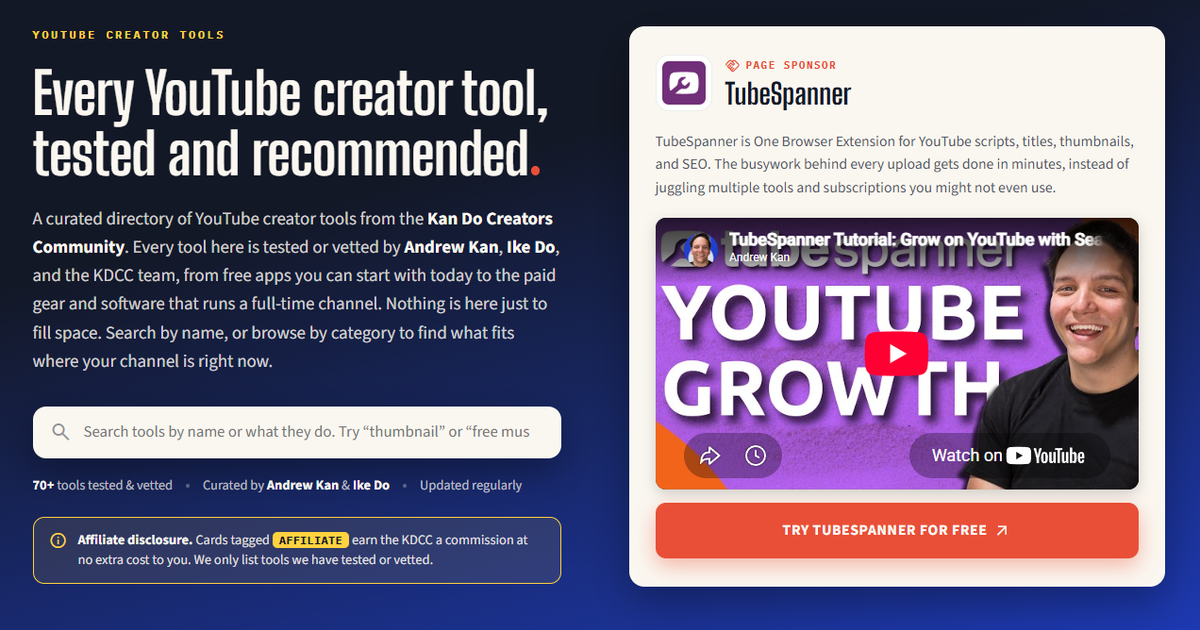
When it comes to YouTube, you don't need a big budget to make a good video. What you need is the right tools, preferably free. But when you first start off, you might not even know what you should be searching for.
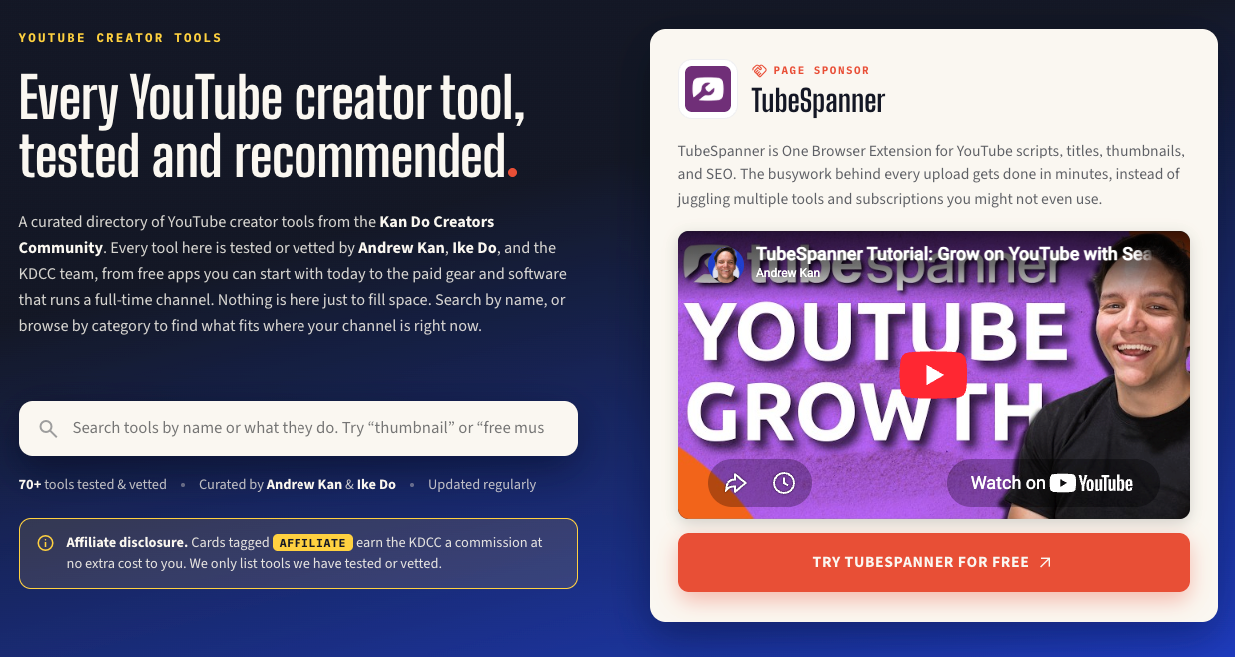
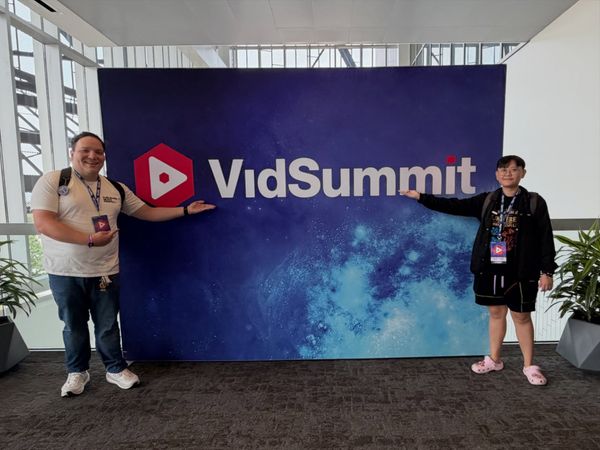
That's why we built a directory of 70+ tools, tested by Andrew Kan, Ike Do, and the KDCC team, so you don't have to hunt.
Here's a taste of what's free on that page. We're always finding new tools and updating the resources, so bookmark this page and come back every time you're stuck on a step.
Editing, without spending a dime
You don't need Premiere to start editing, especially if you can't afford $20/mo.
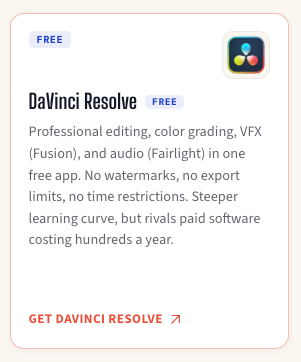
Davinci is a free, professional-grade editor with color grading, VFX, audio, no watermarks, and no export limits. The downfall is that the editor can feel overwhelming at first. We highly recommend tutorials from Daniel Batal to get your started.
If you'd rather edit on your phone, YouTube Create is YouTube's own free app with auto-captions, transitions, royalty-free music, and direct upload.
The learning curve is the only cost, but you can always find tutorials on YouTube. Everything else is free.
Thumbnails that don't require a design degree
Thumbnails are more important than ever on YouTube. They've brought back custom thumbnails for Shorts (currently only available for YPP), and they're now testing a new UI where the titles are smaller (or non-existent) and thumbnails are bigger.
Luckily, you can make a strong thumbnail for free.
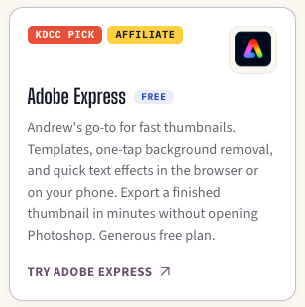
Adobe Express is Andrew's go-to, but we have to express that he is an Adobe Express Ambassador and any links to Adobe Express are affiliates. There are hundreds of templates so you always have a starting point, and one-tap background removal.
If you want more control, something that's a little more like Photoshop, check out Affinity by Canva. You get full layer control, RAW editing, and pro-grade retouching. Best of all? It's free.
Need a fast backdrop instead of starting from scratch?
- UI Gradients - free gradient backgrounds, grab as CSS or JPG
- Pexels - free stock photos and videos, no attribution needed
Music that won't get your demonized or copyright claimed
Copyrighted music is one of the fastest ways to get a video muted or claimed. There's a reason why a lot of people suggest putting copyrighted songs on speaker as a way to deter an unwanted IRL streamer.
The YouTube Audio Library is built right into YouTube Studio. Every track is pre-cleared. Zero cost, zero risk.
Want more variety? Creator Mix provide royalty-free music from Nick and Dee Nimmin. No copyright strikes, ever.
A place for your audience to actually talk to each other.
Building a dedicated community gives you the strive and motivation to pull through the slow month. No matter how small, you shouldn't wait to start building.
Discord is free and the fastest way to start. It's what the KDCC's own 2,500+ member server runs on.
YouTube Communities is worth a look too. No extra app, and it keeps the conversation right where your videos already live. Just remember that if you lose the channel, your Communities does too.
You don't have to put all your eggs in one basket, and have communities in different platforms.
Finding out what people are actually searching for
Optimization starts before anyone hits play, with the title and thumbnail they see in search or browse. If you want a free way to see what your channel could grow into, the YouTube Audience Visualizer shows you what 1,000 or 100,000 subscribers actually looks like.
TubeSpanner sponsors our resources page for a reason. It's the one browser extension we use for SEO scoring, titles, thumbnails, and scripts. It's free to start, but you can always get the free trial to see what Core or Pro can do for you.
Disclaimer: Any links to TubeSpanner are affiliates.
Making money before you hit the YouTube Partner Program
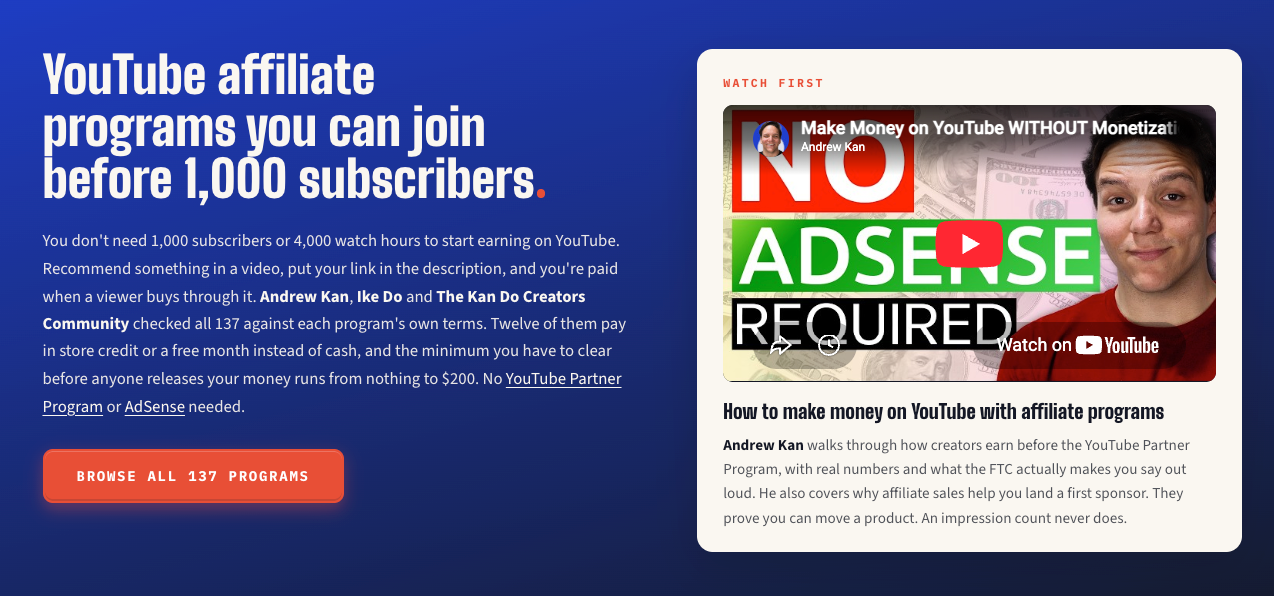
You don't need 500 or even 1,000 subscribers to start earning. Affiliate marketing has no subscriber minimum. You can start recommending tools you already use today.
You can create merch for free on Fourthwall, get donations outside of YouTube Super Chat with Ko-fi or Buy Me a Coffee, and start a membership with Patreon.
When you do cross the threshold, the YouTube Partner Program unlocks fan funding at 500 subscribers and ad revenue at 1,000.
Planning a video before you hit record
The best videos start with a plan.
Google Docs is free, syncs everything, and is what Andrew Kan writes every script for his channel and other brands.
If you're stuck on a blank page, Claude or TubeSpanner can help you brainstorm and outline, just don't publish an AI script word for word.
Going live without a studio
Going live builds trust faster than any upload. Your audience sees you unscripted, in real time. It's also a great way to gain watch hour, if you're aiming for the YPP.
OBS Studio is free, open-source, and the industry standard. It can be rather demanding if you're planning on recording a heavy game and/or in 4K.
There's also Meld Studio, which is what Andrew uses to stream. It had background removal and clean audio built-in, with a simpler workflow than OBS.
If you'd rather skip the install, StreamYard or Riverside runs entirely in your browser.
Bookmark the full list
This is a fraction of what's on the page. 70+ tools total, organized by exactly what you're trying to do:
- Edit
- Thumbnails
- Music
- Community
- Optimize
- Record
- Monetize
- Script
- Go Live

Or you can search the tools by name or what they do. Every tool is one Andrew, Ike, or the team has tested.
Get monthly channel reviews and weekly live group coaching from Andrew Kan and Ike Do. First 7 days are free, cancel anytime.